
Review · AI coding · August 2026
GitHub Copilot
Cheapest serious coding assistant with real GitHub gravity—agents improved, still not Cursor.
7 / 10
Best for · Teams already on GitHub who want IDE + PR agents at seat price
Not for · Developers who want the strongest editor-native agent cockpit
TL;DR
Copilot is GitHub’s AI layer across IDE, CLI, mobile, and github.com. Pro is $10 with credits; Pro+ $39; Max $100. Business $19 and Enterprise $39 per user. Completions stay unlimited on paid plans. Chat and agents spend AI credits. Ubiquitous. Competent. Rarely thrilling.
Ran in VS Code and JetBrains on GitHub-hosted work; PR agent reviewed, not rubber-stamped.
Product image
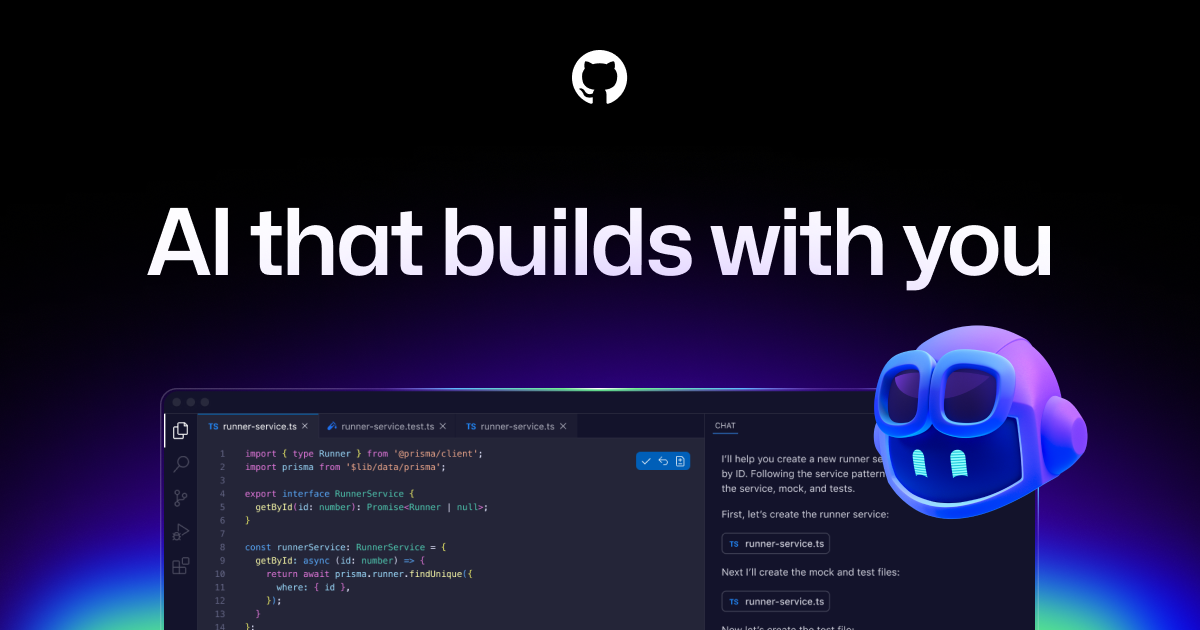
GitHub Copilot social image. Distribution is the advantage; seat math is the check.
What it is
The PR seat.
GitHub Copilot is an AI coding product bolted into the place most teams already work. It completes code in VS Code, Visual Studio, JetBrains, Neovim, and others. It chats. It runs agents. It reviews pull requests. It can be assigned work from issues. As of mid-2026 it is also pushing a desktop Copilot app for managing agent sessions beside the repo.
Billing shifted toward GitHub AI Credits. Paid individual plans include a monthly credit pool on top of base allotments. Completions and next-edit suggestions remain unlimited on paid tiers. Chat, agents, CLI, and Spaces draw credits. Business and Enterprise add governance, indemnity language, and pooled credits.
I respect Copilot for distribution and price. I do not pretend it always matches Cursor for multi-file agent feel inside a purpose-built IDE.
Pricing
What it costs.
| Plan | Price | Note |
|---|---|---|
| Free | $0 | Limited completions and chat; student paths exist |
| Pro | $10/mo | Unlimited completions; ~$15 total included credits as of mid-2026 |
| Pro+ | $39/mo | Larger credit pool (~$70); premium models including Opus-class access |
| Max | $100/mo | High-volume agent workflows; ~$200 included credits |
| Business | $19/user/mo | Org controls, IP indemnity, pooled credits |
| Enterprise | $39/user/mo | Larger pools, priority models/features, deeper GitHub.com integration |
Prices as of August 2026. Confirm on the vendor page — meters move.
Does well
What works.
Price for what you get
$10 Pro undercuts most AI IDEs. Unlimited completions alone justify it for many developers.
Lives where the PR lives
Issue assignment, PR review, and github.com chat matter in real teams. Fewer context switches than a separate toy.
Wide IDE coverage
Not everyone will switch editors. Copilot meets JetBrains and VS users where they are.
Enterprise paperwork that buyers recognize
Business/Enterprise policies, indemnity messaging, and admin controls are easier to procure than another startup seat.
Agents that open PRs, not just snippets
Cloud agent and coding agent flows produce branches and diffs you can review. That’s what you merge—not a chat paste.
Falls short
What fails.
Credit math for heavy agents
Completions are unlimited. Serious agent and premium-model use is not. Bills and pauses appear when credits run out.
Editor magic trails Cursor
In a head-to-head multi-file agent session, Cursor usually feels more coherent. Copilot wins on habitat and price.
Suggestion quality is uneven by language
Popular stacks shine. Niche languages and weird internal frameworks get generic noise.
Still not a merge button
GitHub’s own docs treat agent PRs as reviewable drafts. Good. Teams that skip review will regret the speed.
Who should
Buy this if.
Default seat for GitHub-centric companies. Individuals who want AI in their current IDE without migrating to Cursor should start on Pro. Power users who burn premium models should look at Pro+ or Max before complaining.
If your workflow is “agent owns the repo session inside a dedicated AI IDE,” buy Cursor. If your workflow is “ship PRs inside GitHub with mild AI everywhere,” Copilot is the rational infrastructure.
FAQ
Questions.
- Is Copilot Free enough?
- For light tryouts. Paid Pro is the real product for daily completions plus agent access.
- Pro vs Pro+?
- Pro for unlimited completions and modest chat/agent use. Pro+ when premium models and credit burn are routine.
- Does Business train on our code?
- GitHub states Business/Enterprise data is not used to train their models. Individual plans have different training defaults and opt-outs—verify current settings.
- Can Copilot replace Cursor?
- For many teams, yes, especially on price and GitHub workflow. For agent-native editing feel, often no.
Also on the desk
Compare next.
AI coding IDE · 9/10
Cursor
Still the AI editor I would put on a working desk—usage math opaque, product strong.
AI IDE · 6/10
Windsurf
A real Cursor alternative that survived acquisition theater—now branded Devin Desktop.
AI chat · 8/10
ChatGPT
The default desk tool: broad, useful, and still capped when you need it most.